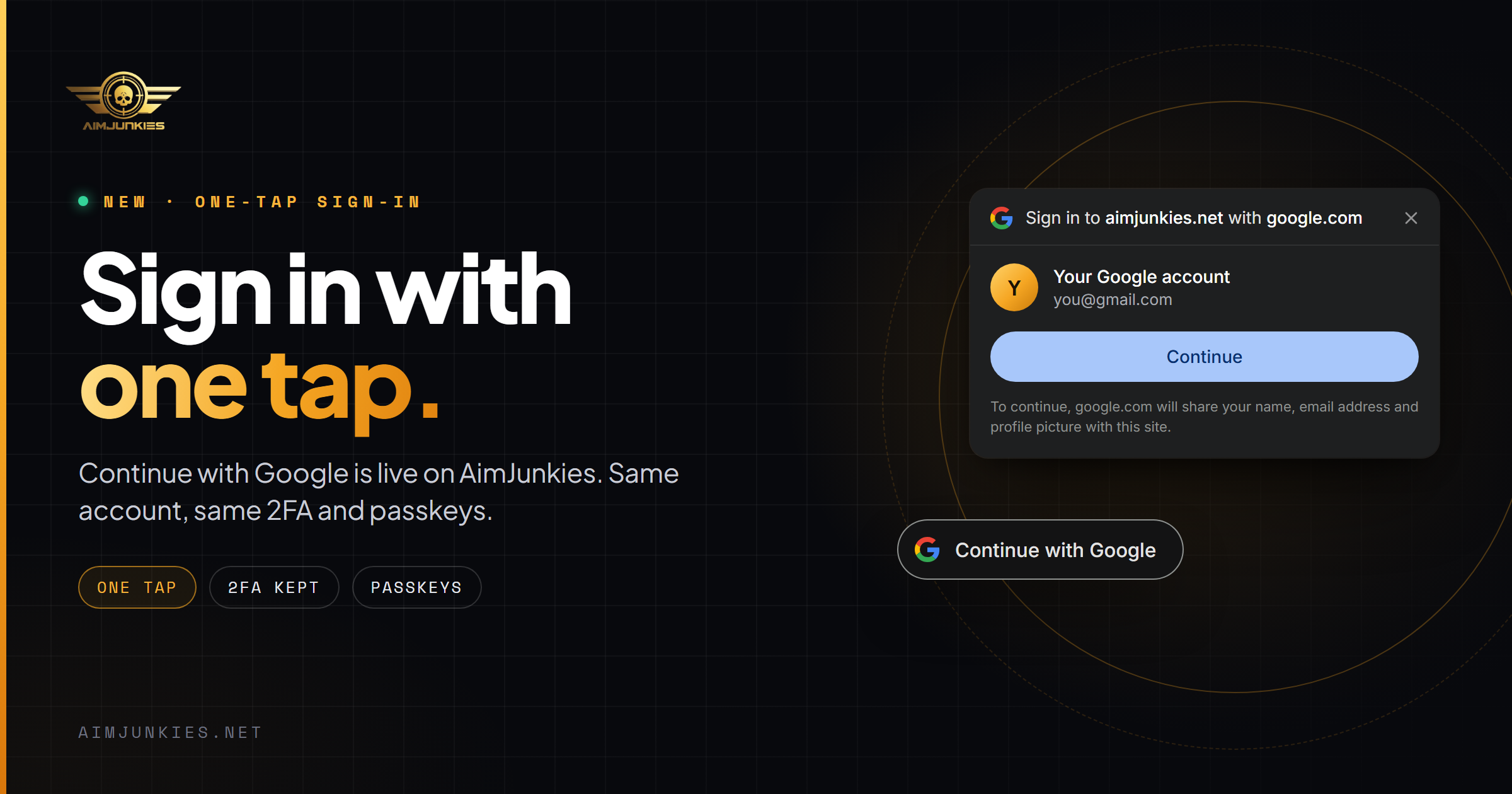
You can now sign in to AimJunkies, or create an account, with your Google account.
- Continue with Google sits next to Discord on the sign-in and sign-up pages. New here? It creates your account in one step.
- One Tap: when you're signed out, Google shows your accounts in a small prompt. Pick one and you're in. Close it and it stays away.
Your account stays protected
- We link your Google account itself, not just its email, so a changed or recycled address can't take your account over.
- Two-factor still applies. After Google, confirm with your code, or now with your passkey.
- Staff accounts sign in with a passkey.
Link Google to the account you already have
Open Settings › Security and choose Link Google. You can unlink it there too; if Google is your only way in, add a password or a passkey first.
Next step
Link GooglePublished All news →